Packages and updates
The hub installs package servers itself, so you always know which version runs, and you choose when it changes.
servers: time: package: { pypi: mcp-server-time } # hub-owned version memory: package: { npm: "@modelcontextprotocol/server-memory", version: "2026.8.31" } # pinnedHow packages are installed
Section titled “How packages are installed”Every version gets its own directory, $MCPYARD_DATA_DIR/packages/<server>/<version>/:
- npm:
npm install --ignore-scriptsinto that directory, then the bin runs fromnode_modules/.bin. - PyPI: a dedicated virtualenv created by
uv, thenuv pip install --no-build; the script runs from the venv’sbin. In the Docker image,uvdownloads the Python interpreter into the data volume on first use.
There is no npx -y and no uvx: nothing resolves a version behind your back, and processes are
spawned without a shell.
Choosing the bin
Section titled “Choosing the bin”When a package ships one executable, the hub uses it. When it ships several, name the one to run:
package: { npm: "@example/tools", bin: example-mcp }Install-time code
Section titled “Install-time code”By default no package code runs at install time: npm lifecycle scripts are skipped and Python packages must come as wheels. A package that needs a build step fails with the installer’s message until you opt in:
mail: package: { pypi: some-mcp-server } allowScripts: trueInstall scripts run with the same scrubbed environment as servers, plus proxy and registry settings.
Pinned or hub-owned
Section titled “Pinned or hub-owned”Each server has exactly one source of truth for its version.
Pinned: version is set in the file. That version runs, and only an edit to the file changes it.
Once a newly pinned version is installed, the directories of versions pinned before are deleted.
Hub-owned: version is omitted. The first start installs the registry’s latest version and
records it in $MCPYARD_DATA_DIR/versions.json. Later starts reuse the recorded version, so a restart
never upgrades anything.
Checking for updates
Section titled “Checking for updates”Every MCPYARD_VERSION_CHECK_HOURS hours (6 by default; off, 6 hours, a day, a week or a month in
Settings) the hub asks npm and PyPI for the latest
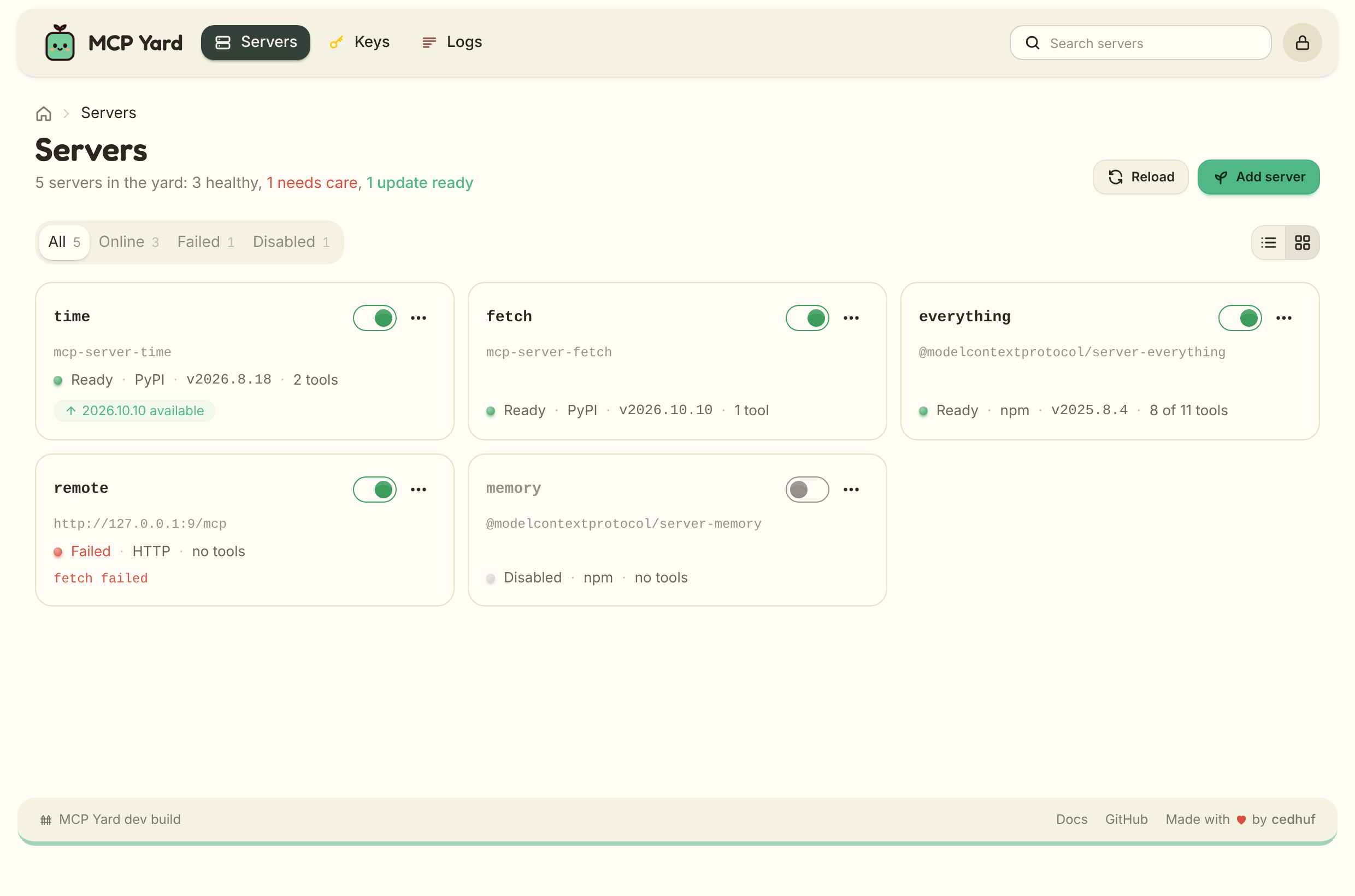
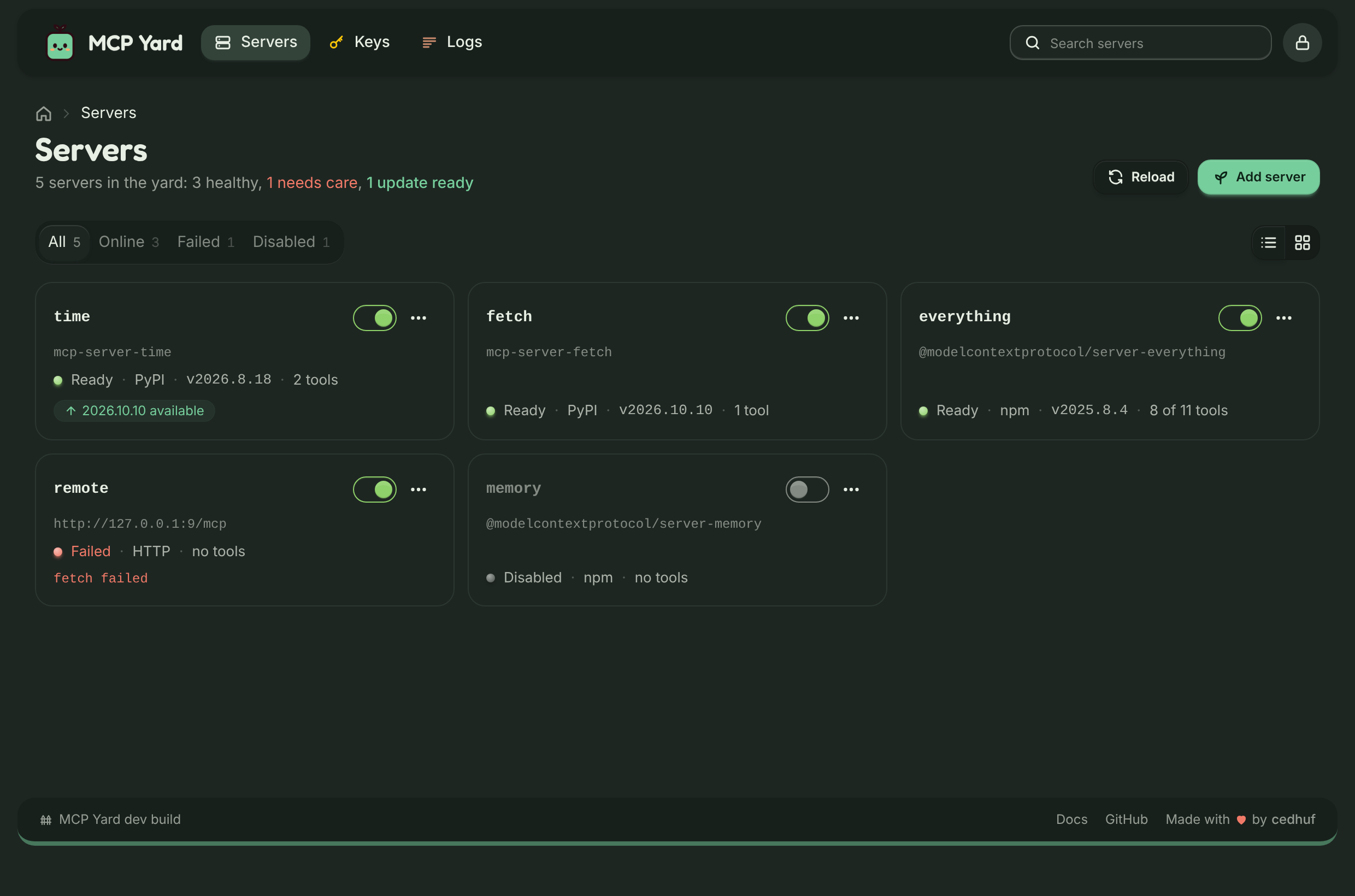
version of each package, once per package. The web UI and the admin endpoint show the installed and
latest versions side by side. Nothing is updated automatically unless you ask for it.
Nightly updates
Section titled “Nightly updates”Switch on Settings > Updates > Update automatically and pick a time (2:00 by default), or set
MCPYARD_AUTO_UPDATE=true and MCPYARD_AUTO_UPDATE_TIME=02:00. Once a day at that time the hub asks the registries, then updates every hub-owned
package that has a newer version, with the same safe flow as Update. Pinned packages never move.
It is off by default.
The time is the hub’s local time: set TZ in the container (for example TZ=Europe/Paris), or it
runs in UTC. The dashboard clock shows which zone the hub uses.
Updating and rolling back
Section titled “Updating and rolling back”Click Update in the web UI. The hub then:
- installs the new version into its own directory,
- starts it next to the running one,
- waits for it to initialize and list its tools,
- switches traffic to it and stops the old process,
- records the new version, keeping the previous one for rollback.
If any step fails, the old version keeps serving and the error is shown on the server. Roll back runs the same flow towards the previous version. Older version directories are deleted.