
Keys and scopes
Every client gets its own bearer key. A key decides which servers and which tools the client sees, and the hub refuses calls to anything else.
Creating keys
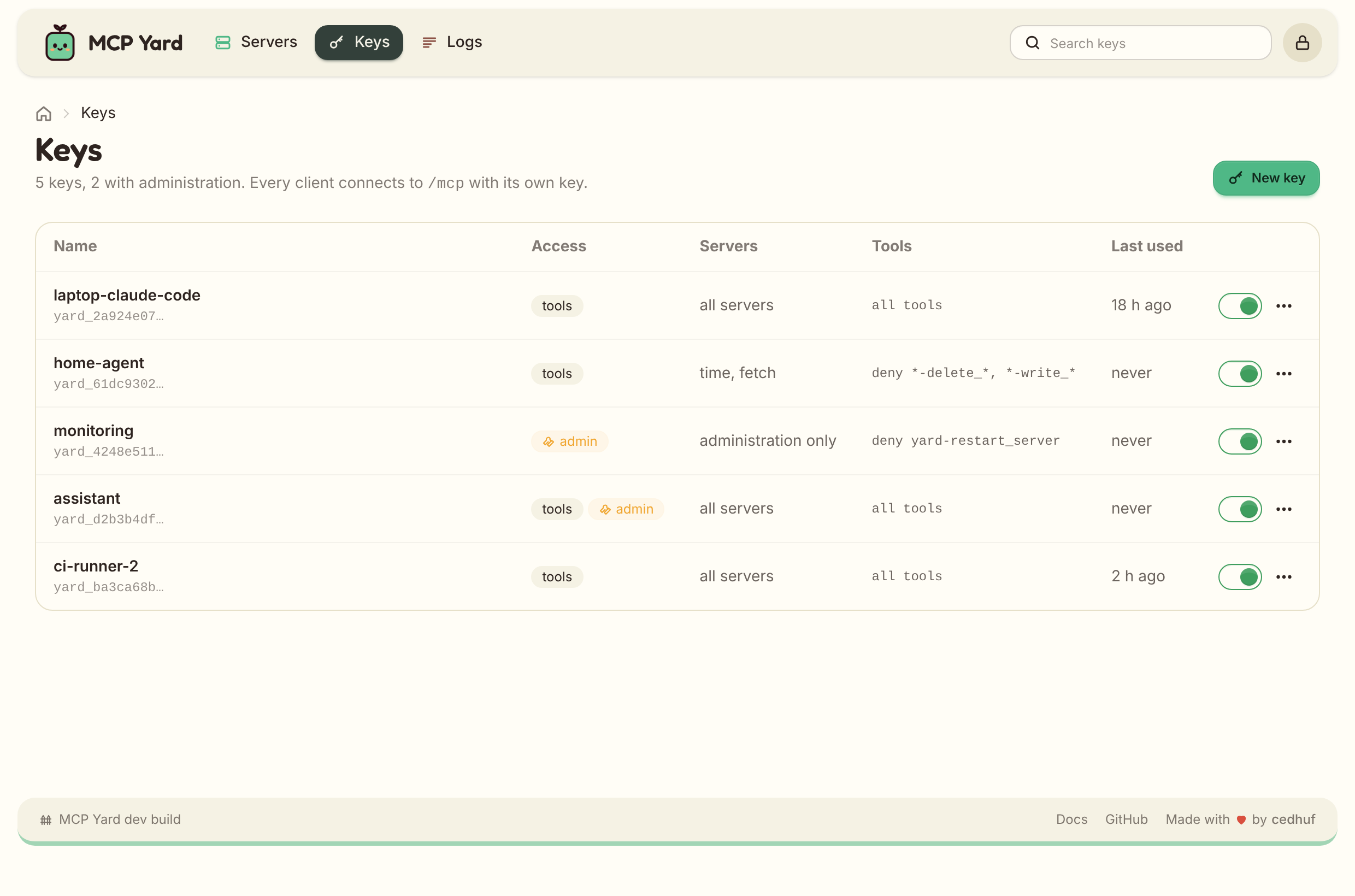
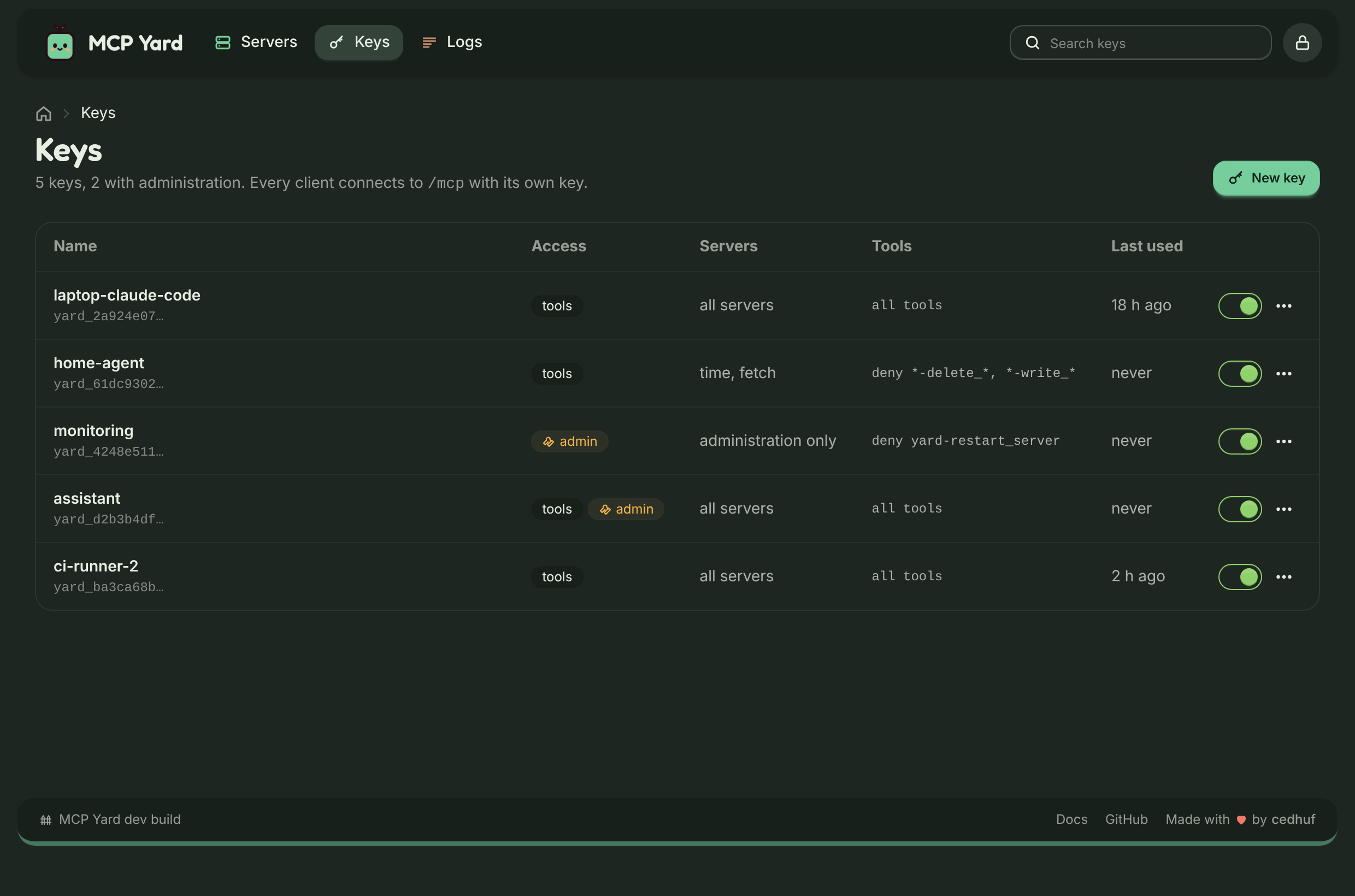
Section titled “Creating keys”In the web UI, open Keys, name the key after the client (laptop-claude-code, home-agent), pick
its servers and tool filters, and create it. The token is displayed once; only its SHA-256 hash is
stored, in $MCPYARD_DATA_DIR/keys.json.
Without the web UI, generate one from the container and add the printed entry to keys.json:
docker exec mcpyard node src/main.ts keygen laptop-claude-code # add admin as a third argument for hub administrationEdit renames a key or changes its scope; its token stays the same. To rotate a token, create a new key and delete the old one. Disabling, editing or deleting a key takes effect on the next request: the file is read for every call.
The Last used column shows when each key last authenticated, recorded at most once an hour.
Scopes
Section titled “Scopes”"scope": { "servers": ["time", "mail"], "tools": { "deny": ["*-delete_*", "mail-send_*"] }}serverslists the servers the key reaches;*means all, including servers added later.toolsholdsallowanddenyglobs on the exposed names (<server>-<tool>). A tool must matchallowwhen it is set, and must not matchdeny.
Hidden tools are absent from tools/list and refused on tools/call, so a client cannot call what it
cannot see.
Server-level tools filters in the server file apply first, to every key.
Hub administration
Section titled “Hub administration”Switch on Hub administration on a key to give it MCP Yard’s own yard-* tools as well, on the same
/mcp connection: listing, restarting and updating servers, reloading the server file. It sits apart
from the servers in the form on purpose, and no key gets it unless you switch it on. See
Hub administration.
Audit log
Section titled “Audit log”Every tool call is written to standard output as one JSON line:
{"event":"tool_call","time":"2026-10-12T09:14:03.120Z","key":"laptop-claude-code","tool":"time-get_current_time","ok":true,"ms":42}Actions from the web UI are logged the same way, with the signed-in user in by:
| Event | When |
|---|---|
key_created, key_updated, key_enable, key_disable, key_delete |
A key changes. |
server_added, server_updated, server_deleted |
A server form is saved, or a server removed. |
server_enabled, server_disabled |
A server is switched on or off. |
server_restarted, package_update |
A server is restarted or a package updated. |
config_reloaded, settings_saved |
The server file is reloaded, or the settings saved. |
health_check, updates_checked, update_all |
The dashboard runs a health check, asks the registries, or updates everything. |
server_answering, server_not_answering |
The periodic health check sees a server stop or start answering again. |
Ship the container logs wherever you keep logs. The web UI’s Logs page shows the recent ones, with a tab for MCP calls.